Browse step-by-step educational walkthroughs designed to help you understand printer offline status, print spooler queues, drivers, wireless networking, and output quality.
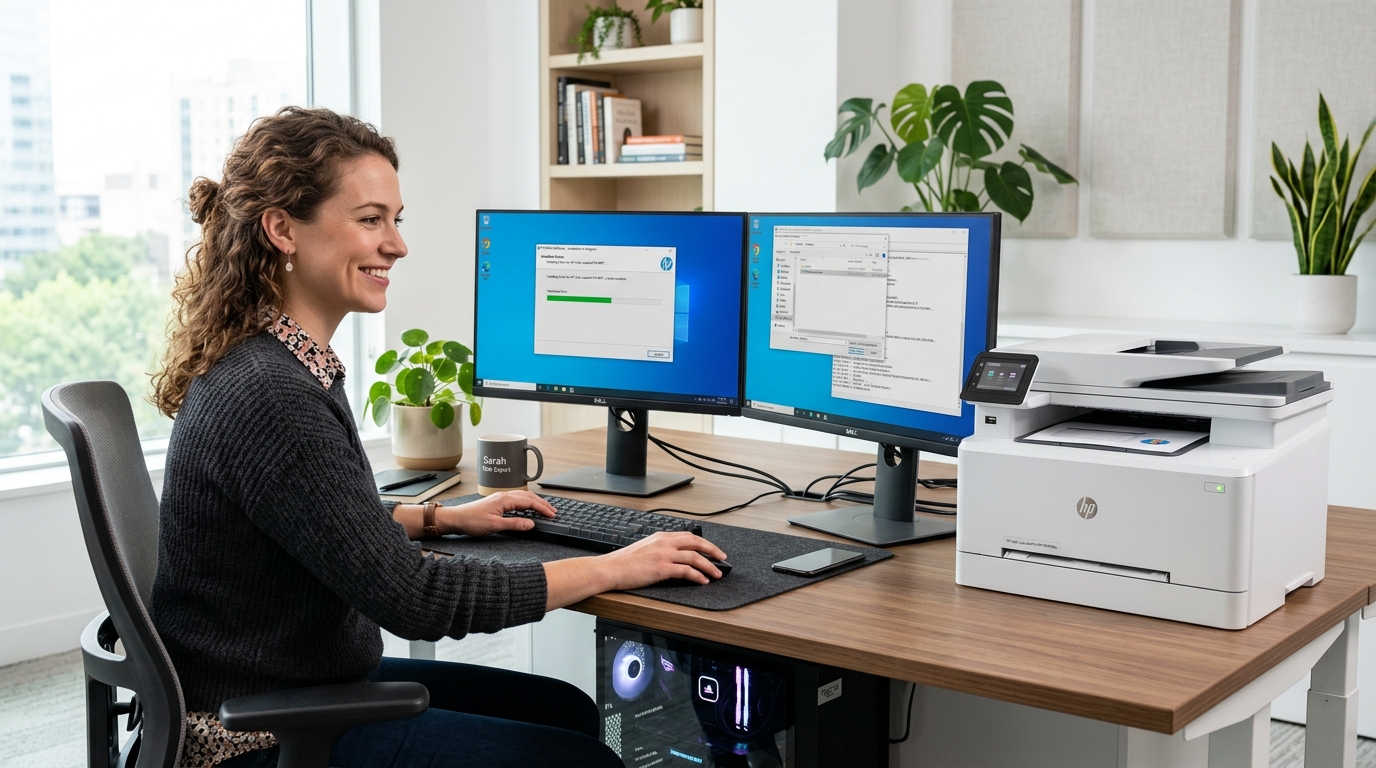 Drivers & Setup
5 Steps
Drivers & Setup
5 Steps
Fix "Driver is unavailable" alerts, install generic printer packages, detect hardware IDs, and assign virtual USB ports.
 System Diagnostics
4 Steps
System Diagnostics
4 Steps
Understand yellow exclamation marks, Code 28 driver errors, and missing printer tokens inside Windows Device Manager.
A simple, consistent 3-stage process to understand and troubleshoot printer symptoms.
Match your printer symptom—offline status, stuck spooler, missing driver, or blank page.
Read simple instructions using common Windows settings and standard printer controls.
Confirm the connection or setting and check the result with a test print or status check.